
Clients and environments
Each client has Production / QA / Dev folders, with its own color and logo. Production connections ask for confirmation. You can create the client right from the new-connection screen.
- Production
- QA
- Development
Free · Windows 10 and 11
RDP, SSH, Telnet, VNC, Web, SFTP and FTP organized by client and environment (Production, QA, Dev), with encrypted passwords, WinSCP-style file transfers and automatic updates.
Version 2.0.7 · free · 13 languages
The full version (~72 MB) needs no installation. The lite one requires .NET 10.
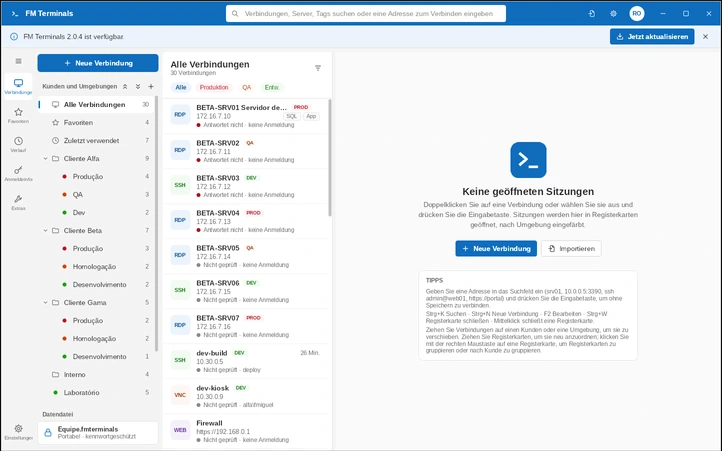
Each client has Production / QA / Dev folders, with its own color and logo. Production connections ask for confirmation. You can create the client right from the new-connection screen.
RDP with resolution and speed profile adjustable during the session, SSH and Telnet in a modern terminal, VNC and Web consoles.
SFTP, FTPS and FTP: this computer and the server side by side, with upload and download arrows, a transfer queue, resume of interrupted downloads, folder sync, permissions (chmod), favorite folders, and editing in Notepad++/VS Code with automatic upload on save.
Like MobaXterm: browse the server's folders next to the terminal and view logs and images inside the app.
Encrypted data file (AES-256), credential vault, and confirmation of SSH keys and FTPS certificates.
The data file can live on OneDrive, Google Drive or Dropbox. There is a portable mode for USB drives.
Type srv01, ssh admin@web01, sftp user@server or https://portal and press Enter.
It tells you when a new version is out and updates itself, keeping your data.
Brings in connections from Terminals, RDCMan, mRemoteNG, .rdp files and CSV spreadsheets.
Brazilian and European Portuguese, English, Spanish, French, Italian, German, Dutch, Danish, Norwegian, Polish, Russian and Chinese. Light and dark theme.
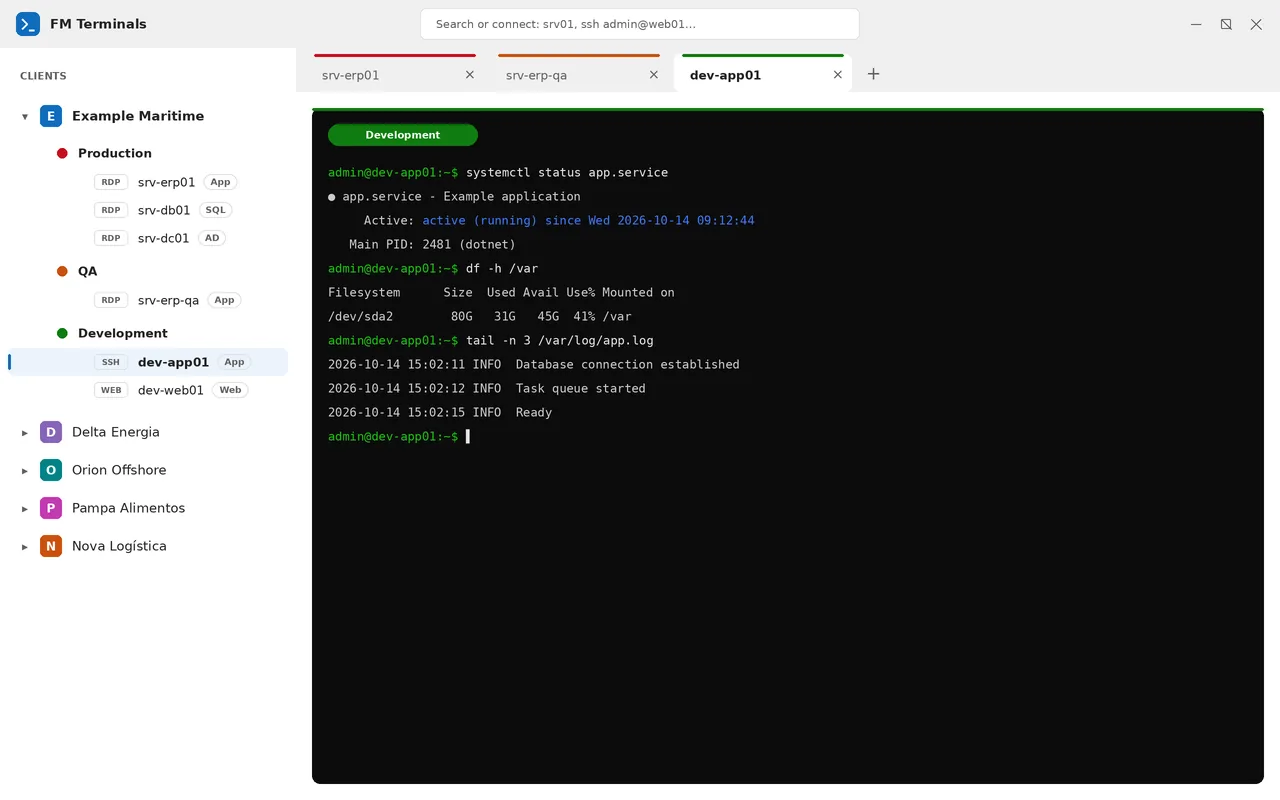
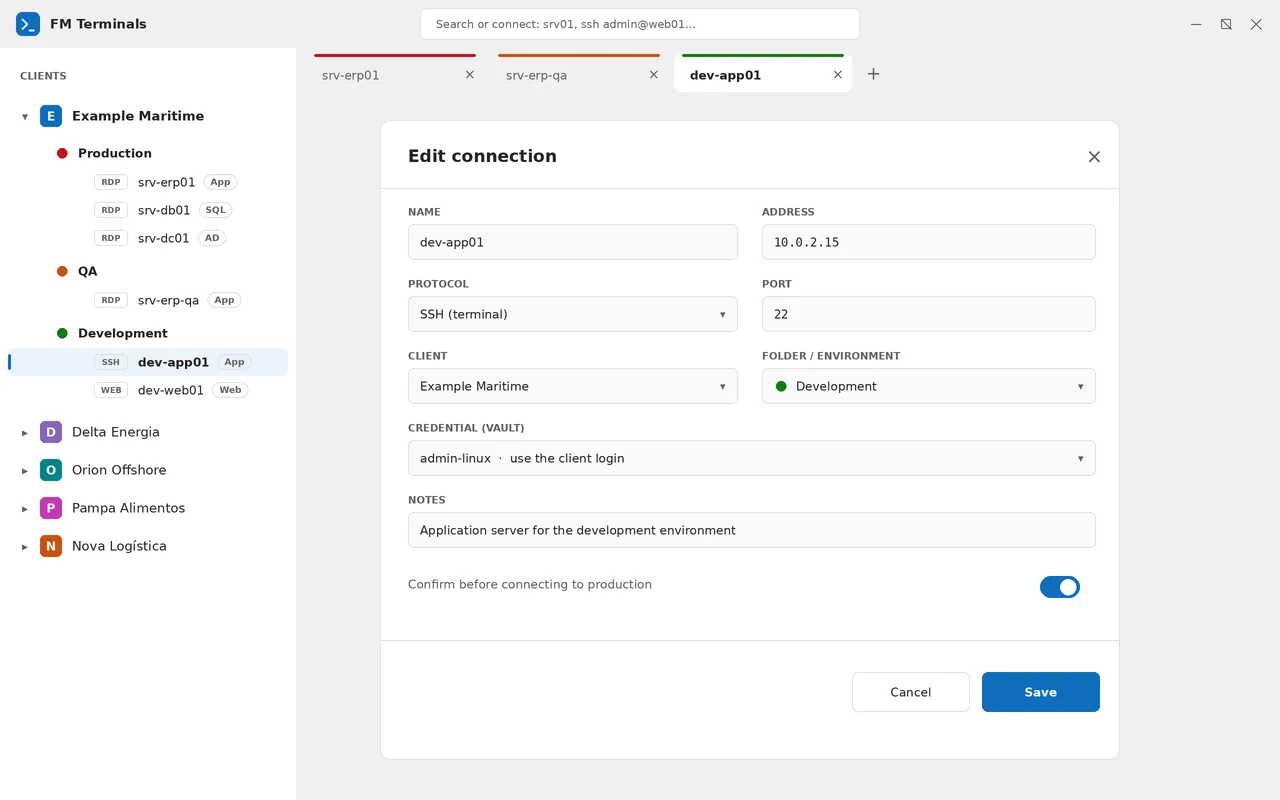
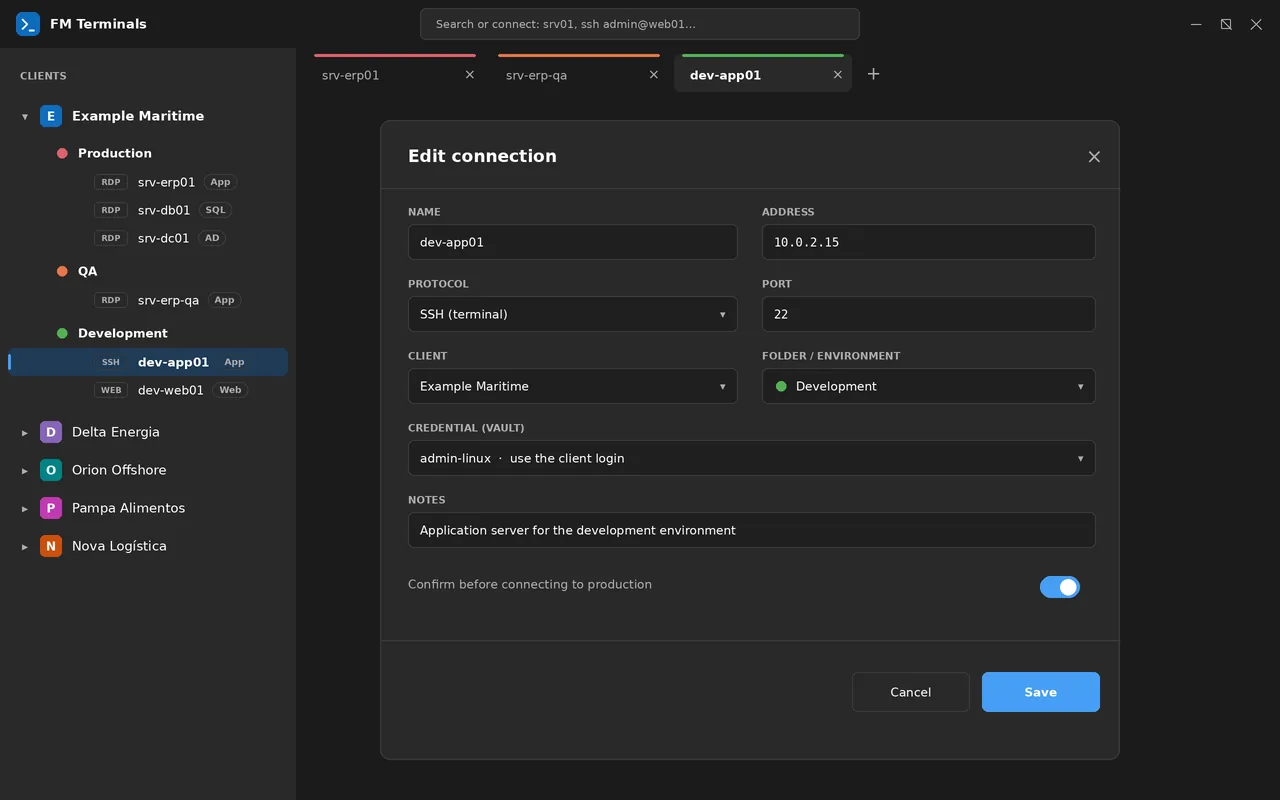
Illustrative screenshots. The SFTP and SSH file panel screens are coming soon.
Free. No installation: extract the ZIP and run FMTerminals.exe. The links below always point to the latest stable version.
For most computers
Download (x64)About 4 MB · requires the .NET 10 Desktop Runtime
Download (lite)Surface Pro X, Snapdragon
Download (ARM64)All versions (opens in a new tab)
C:\FM Terminals.portable next to the executable.Requirements: Windows 10 or 11. SSH terminals and Web consoles use Microsoft Edge WebView2 (included in Windows 11).
github.com/criticalrj/FMTerminals-releases
(the code remains private). This fixes the new-version notice and the site links, which returned "404" for anyone who is not the repository owner. If you are on 2.0.5, install 2.0.6 manually once; from then on, updates are automatic.
Data folder and portable mode are kept. In Settings → About: Check for updates and the option to check automatically. Test versions are never offered.sftp, ftps and ftp user@server.name.filepart and continues where it stopped (SFTP, FTP/FTPS and the SSH session panel); the queue shows a Resume button, which also continues uploads. The file only gets its final name when it arrives complete.prod-… goes to Production).FMTerminals.exe, the Languages and Terminal folders and the licenses. In the full version .NET is kept apart in the runtime folder; the lite one is the same without that folder.First stable version of FM Terminals 2. It brings together everything from 2.0.0 and the test versions (beta.2 to beta.8):

Hi! I'm Flávio da Costa Miguel, a production engineer, fanatical about technology and a good barbecue (churrasco), with more than 25 years of experience in the field.
Every day I connect to dozens of different customers' servers, and I missed truly useful software for the routine of someone who works in IT: organized, secure and free. I decided to fix that and ease the pain of everyone going through the same thing.
That is how FM Terminals was born: made by someone who uses it. Technology during the week, churrasco on the weekend, and if the app saves you time, the next beer is on you.
My LinkedIn (opens in a new tab)
Developed by BRSEA — www.brsea.com.br (opens in a new tab)
A free remote connection manager for Windows. It brings RDP, SSH, Telnet, VNC and Web consoles together in tabs, organized by client and environment (Production, QA and Development), with an encrypted password vault.
Yes. FM Terminals is free and open source under the Ms-PL license. If it helps you day to day, you can support the project with a donation.
Windows 10 and 11, with x64 (full and lite) and ARM64 packages (Surface Pro X, Snapdragon). SSH terminals and Web consoles use Microsoft Edge WebView2, which is already included in Windows 11.
No installation needed: extract the ZIP and run FMTerminals.exe. To run it from a USB drive, create an empty file named portable next to the executable.
Credentials are kept in a vault encrypted with AES-256. Your data lives in a single file (.fmterminals) protected by your Windows account and/or a password, and a copied password disappears from the clipboard after 30 seconds.
Yes. FM Terminals imports connections and passwords from Terminals, RDCMan, mRemoteNG, .rdp files and CSV spreadsheets, with a review screen to choose what to import and the destination client, folders and environment.
In RDP you choose Best speed, Balanced or Best quality, even with the session open. On VPN or 4G, the speed option makes the screen much lighter.
FM Terminals is free. If it helps in your day-to-day, you can buy me a coffee (or a beer).
Copy the key and use it in your bank's app.

Random key
8c2fba8c-4e68-47ab-a8ea-a5386db5ac1c
Donations from Brazil and abroad
Found a problem or have an idea? Open an issue (opens in a new tab)